Property · Click a point
Select a New York property boundary for terrain analysis
This New York property boundary map loads the public tax parcel under your click and uses it as the analysis area for every other tool. Contours, slope, drainage, winter sun and the property report are then clipped to the parcel rather than a rectangle drawn by eye.
It is the starting point for most jobs on this site: find the place by address or name, select the tax parcel, then pick the question you want answered. It works in the counties covered by the NYS GeoHub public tax parcel service; elsewhere the panel says so.
Free to run · pay to download
Free to run, and free to save as a PNG image of the map. This tool has no file export of its own. For the terrain as a file, Download Data exports contours, a GeoTIFF or a 3D mesh with a pass: US$29 for 24 hours, US$99 for 30 days or US$399 for 12 months.
Who uses this
- Buyers. Measure the parcel they are actually buying, not the field next door.
- Architects and designers. Start a site analysis from the assessor’s boundary and tax map ID.
- Real estate agents. Pull terrain facts for a listing in a couple of clicks.
When to use it
- You want contours, slope, sunlight or drainage clipped to a parcel rather than a rectangle drawn by eye.
- You are comparing several properties and want each one measured on the same footing.
- You need the tax map ID, county and acreage alongside the terrain.
Tools for your job
Property is one step in a bigger question. These are the jobs it helps with, and the tools that go with it.
For the job: Buying a lot or rural acreage
What is the ground like, and how does it compare with the others on my list?
- 1.Property (this tool) — Selects the tax parcel so every other tool is clipped to the boundary.
- 2.Property Report — A PDF with contours, slope, aspect, winter sun, drainage and elevation for that one parcel.
- 3.Saved Properties — Up to 5 places side by side: elevation, slope, winter sun and drainage.
- 4.Water & Drainage — Where water will run and pond across the property in heavy rain.
How to use it
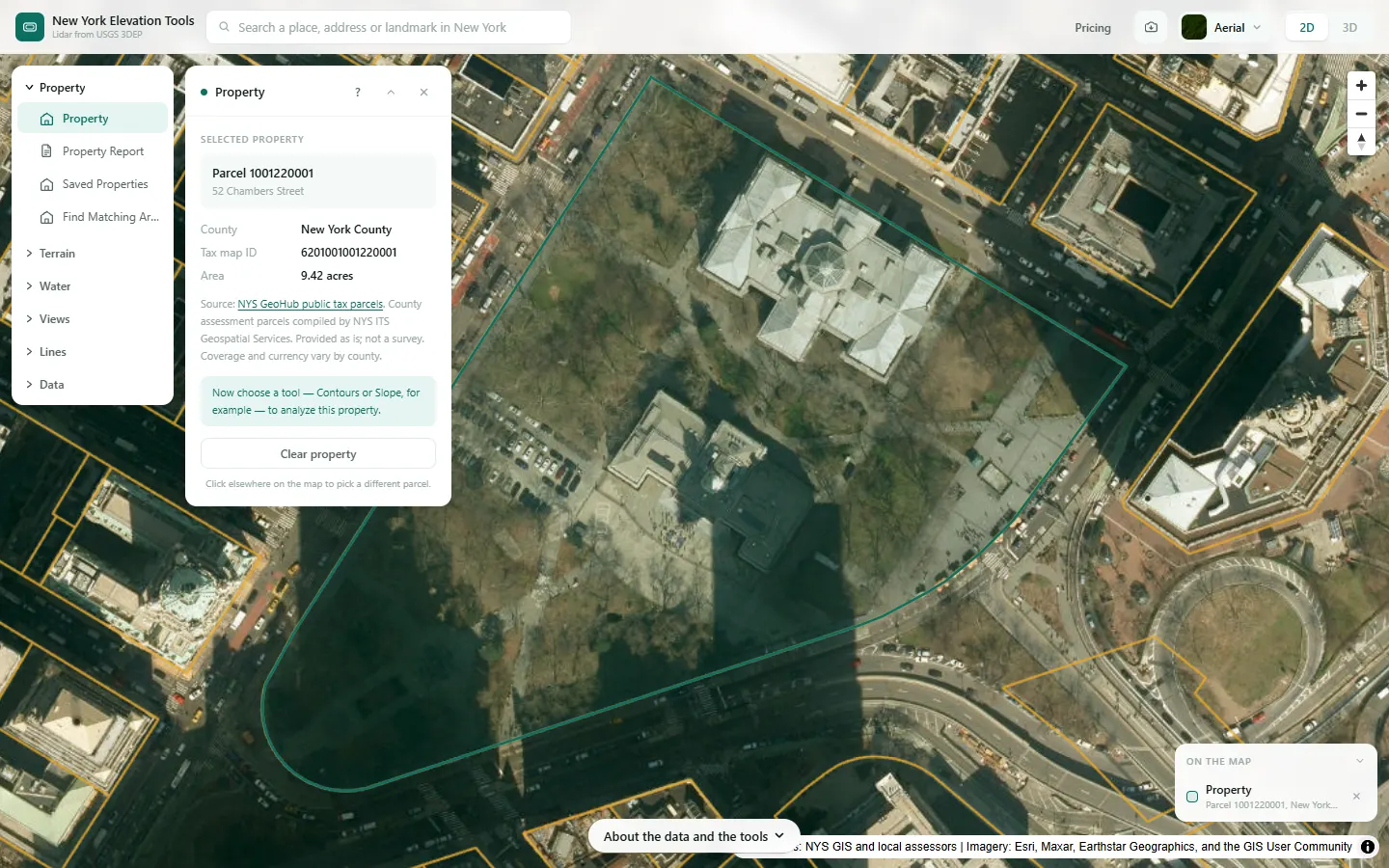
- Open Property and zoom in until parcel lines appear on the map.
- Click inside the parcel. The boundary is fetched and drawn as the analysis area.
- Search an address or place name in the top bar to jump to the area instead of panning.
- Switch to any area tool. Its results are clipped to the parcel until you clear or redraw the area.
Step by step: a New York County parcel
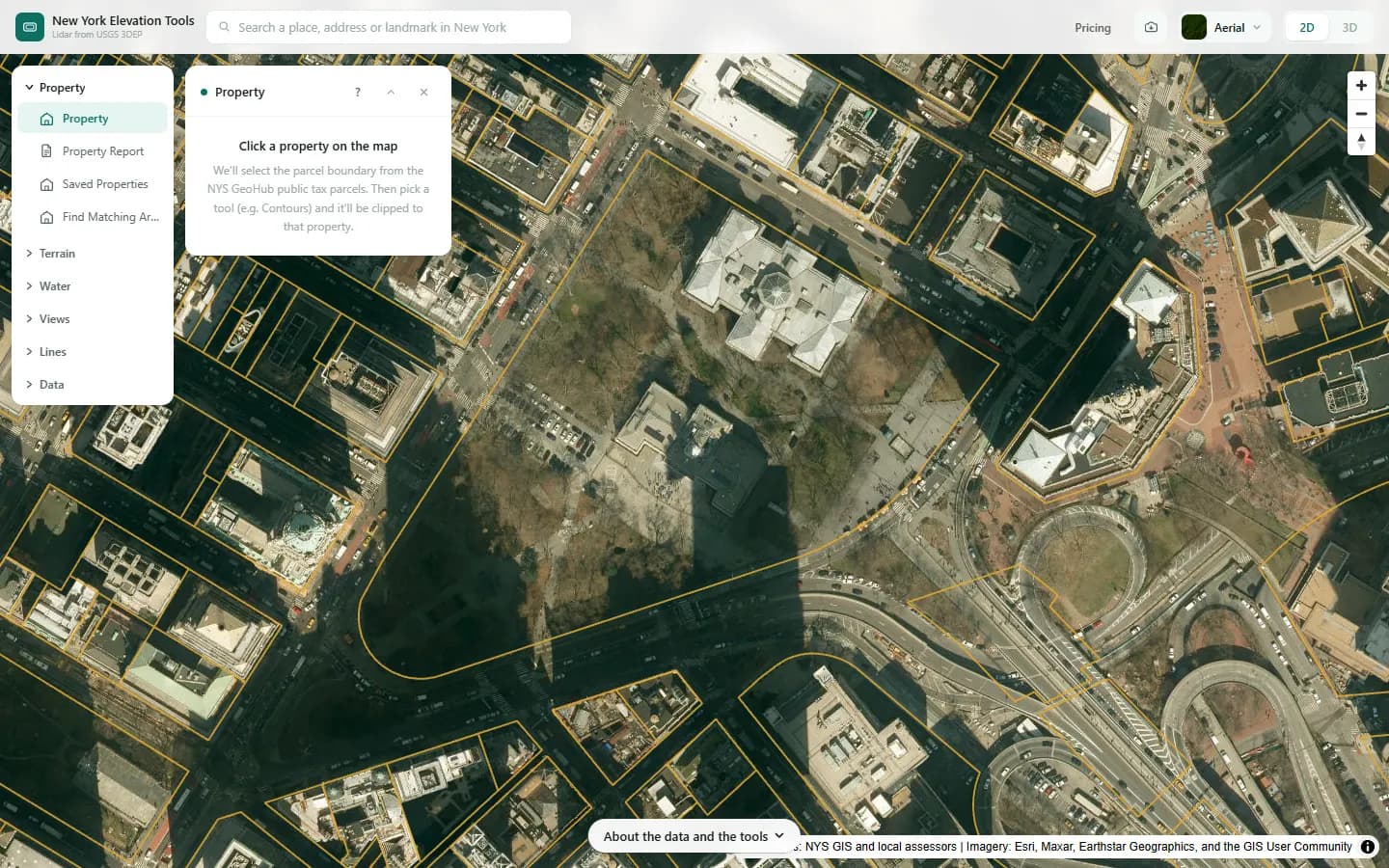
We select a public parcel in New York County, so the other tools measure only inside it.
What it showed
- The boundary follows the assessor’s tax parcel, including corners you would never draw by eye. It is a tax map, not a survey.
- Switch to Slope & Aspect, Sunlight or Water & Drainage. Each is clipped to this outline until you clear it.
Screenshots from New York Elevation Tools. Imagery: Esri, Maxar, Earthstar Geographics, and the GIS User Community. Elevation data from USGS 3D Elevation Program. USGS 3DEP data is in the public domain (U.S. Government work).
How it works
The click is matched to a county, then the NYS GeoHub public parcel layer is queried. Counties absent from its public footprint are explicitly unsupported.
The polygon becomes a cookie cutter: terrain is loaded for its bounding box, and every tool masks its result to the polygon so nothing outside the boundary is counted.
Reading the results
The panel shows the tax map ID, the county, and the site address and acreage where the parcel record includes them, with the data source’s disclaimer.
The other area tools clip their results to the parcel boundary. Files from Download Data do not record the tax map ID; the property report prints it on its cover.
Limits and caveats
- Tax parcel lines are the assessor’s maps, drawn for property tax, not surveys. They can differ from fences, corners and recorded surveys on the ground. For a boundary question or a setback, hire a licensed land surveyor.
- Only counties in the NYS GeoHub public tax parcel service are covered. Elsewhere the panel names the county and says it is not covered; draw or upload the boundary instead.
- Very large rural parcels may exceed a tool’s area limit. The tool will say so; draw a smaller area inside the parcel instead.
- The parcel service is a live public assessment dataset. If it is down, no boundary is selected and a notice on the map asks you to try again.
Data and attribution
Results come from the USGS 3D Elevation Program (3DEP) bare-earth elevation model: lidar at 3.3 ft per pixel where it has been flown, and the 1/3 arc-second model, about 33 ft per pixel, elsewhere, with elevations above NAVD 88. This edition uses bare-earth terrain only. Buildings and trees are excluded.
USGS 3DEP elevation and USGS maps are U.S. Government works in the public domain. Credit the USGS 3D Elevation Program. NYS public tax parcels are assessment data provided as is, not surveys. Esri World Imagery follows its own terms and is display-only; downloaded aerial imagery comes from USGS NAIP.
Questions
Are tax parcel lines survey accurate?
No. Tax maps are drawn for property tax assessment, not surveyed, and the lines can differ from fences, corners and recorded surveys on the ground. For a boundary question or a setback, hire a licensed land surveyor.
Can I search by address?
Yes. The search bar takes a street address or a place name anywhere in New York and jumps there; then click the parcel. Searching by tax map ID is not available yet.
Why does my county say it is not covered?
Your county is outside the NYS GeoHub public tax parcel service, which covers only the counties that take part in it. You can still draw the area by hand or upload a boundary file and use every tool.
Ready to try it?
Open Property on the map →Free to use, no account. The parcel is looked up in the NYS GeoHub public tax parcel service through this site’s server. Downloading the results needs a pass: see pricing.